
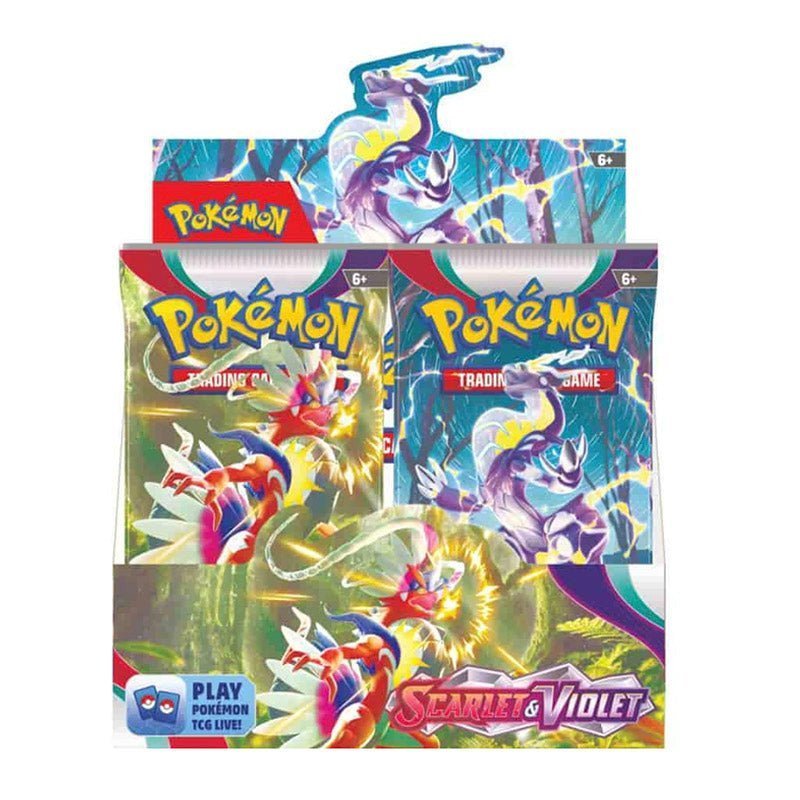
A collection checklist turns a stack of cards into an organized project. Whether you collect Pokémon, One Piece, Yu-Gi-Oh!, Magic or sports cards, recording the set, card number and variant helps identify missing cards and duplicates. A simple spreadsheet is often enough to start, and the structure can grow as your collection becomes more detailed.
Choose one set at a time
Begin with a single expansion or product release. Record the set name and release code so you do not mix cards from products with similar names. If you collect several languages, add a language column. If you collect different sports or franchises, separate them by category or use a separate sheet for each line.
Use card numbers as the foundation
Card names can repeat across sets, and similar artwork may appear in several printings. The set number and card number help distinguish each version. Add the card name, collector number and rarity as printed or shown on the official checklist. Do not assume that a card’s rarity or number is the same across different regional releases.
Track variants and finishes separately
Parallel versions, foil treatments, stamped promos and alternate artwork may share a card name but have different identifiers. Create a variant field so the base card and special version do not get combined into one row. If the manufacturer uses a different checklist code for the parallel, record that too.
Record duplicates and condition
Useful columns include quantity owned, condition, language, finish, storage location and notes. A duplicate counter helps you see whether opening more packs is likely to add useful cards or mostly repeat cards you already own. Condition notes are especially helpful if you plan to trade, submit cards for grading or keep some copies sealed in protective holders.
Use official checklists when possible
Official card databases and set checklists are more reliable than unsourced community spreadsheets. For Pokémon, the Pokémon card database can help identify cards. Yu-Gi-Oh! collectors can use the official card database. For Magic, use the official card and rules resources. Always confirm that the checklist matches the product and language you own.
Use the checklist to guide future purchases
When a set is nearly complete, compare the cards missing with the cost of opening more randomized packs. Buying a specific single card may be more suitable than buying another box for one missing card. Set a budget and decide what completion means to you, whether that is the base set, a favorite character subset or a collection of selected parallels.
Connect your checklist to TIBCHIT products
TIBCHIT lists sealed products such as the Evolving Skies Booster Box, One Piece OP-17 and Gundam Freedom Ascension. Record the set code and checklist before opening so duplicates and missing cards can be tracked accurately.
Use a consistent data structure
A useful collection spreadsheet should make it possible to filter by set, sport, player, language or rarity. Use one row per distinct card version. If a card exists in base and parallel versions, create separate rows rather than combining both into one entry. Add the official card number and a variant field so a later search can identify the exact printing.
Keep a separate “owned quantity” field from “condition.” If you own three copies, their conditions may differ. If you plan to trade or grade one copy, give it a separate note. A storage-location field is also helpful: binder, page, box divider or graded slab number. This prevents unnecessary handling when you need to find a specific card.
Useful collection spreadsheet columns
| Field | Why it helps |
|---|---|
| Set and code | Separates similarly named products |
| Card number | Identifies the exact card |
| Variant / finish | Distinguishes parallels and special versions |
| Language | Prevents mixing regional editions |
| Quantity and condition | Tracks duplicates and individual copies |
| Storage location | Makes retrieval easier |