
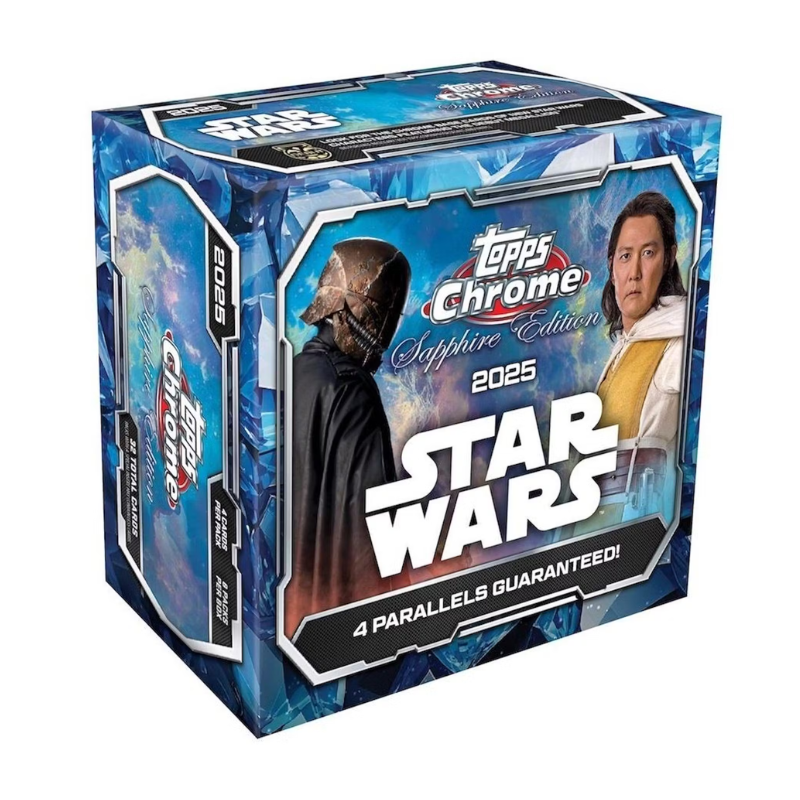
Chrome and foil trading cards can look striking, but their reflective surfaces may reveal marks that are difficult to see on ordinary paper stock. A card can appear clean in a straight-on photo yet show scratches or print lines under angled light. Collectors should inspect reflective cards carefully and avoid cleaning or rubbing the surface in an attempt to remove a mark.
Use soft, indirect lighting
Hold the card at a slight angle under diffuse light. Move the card slowly so reflections reveal fine scratches, fingerprints, dimples or print lines. Harsh direct sunlight can create glare and make inspection more difficult. Avoid bending the card to change the reflection or pressing on the surface while checking it.
Distinguish surface marks from design details
Chrome and foil sets often use patterns, texture, refractor effects or printed elements that can look like defects in a photograph. Compare the card with an official image or another copy from the same set when possible. A mark that appears in the same position on multiple copies may be part of the print design. Do not assume a card is damaged based on one low-resolution image.
Handle cards by their edges
Clean, dry hands and minimal handling help reduce fingerprints. Use a suitable sleeve and avoid touching the front surface. Do not use household glass cleaner, alcohol, polish or cloths on the card. Such products can damage coatings or leave residue. A sleeve is a protective barrier, not a license to clean the card chemically.
Use a holder that fits
Choose a sleeve and toploader or semi-rigid holder appropriate for the card’s size and thickness. Do not force the card into an undersized sleeve. Store cards so they cannot move excessively inside holders, and avoid stacking heavy objects on them. Keep reflective cards away from heat and moisture.
Assess grading realistically
Grading companies inspect centering, corners, edges and surface. A chrome card with a strong image may still have a print line or surface scratch. Review the grader’s published standards and estimate the condition before paying for submission. No visual check can guarantee a particular grade.
Examples from the TIBCHIT catalogue
TIBCHIT lists reflective card products such as Topps Chrome Platinum Baseball, Topps Star Wars Chrome Galaxy and SpongeBob Chrome 25th Anniversary. Compare their individual product details and protect any cards you open with suitable sleeves and holders.
Common reflective-surface defects to look for
Scratches can appear as fine lines that move with the reflection, while print lines may remain in a consistent location across the card design. Fingerprints can create cloudy patches, and small dimples may be visible only at certain angles. Edge chipping and corner whitening are separate condition issues. Use a clean inspection surface and avoid repeatedly moving the card between bare hands and holders.
When buying online, ask for photographs taken under diffuse light and at a slight angle. One bright flash image may hide surface marks. If the card is already graded, check the grading label and certification through the grading company’s official verification tool. A slab does not replace checking the correct card identity or confirming that the label matches the item.
Protective handling routine
- Handle by the edges with clean, dry hands.
- Use a correctly sized sleeve and holder.
- Do not use cloth, polish or household cleaner.
- Inspect under soft, indirect light.
- Store away from heat, humidity and direct sun.